

A big thank-you to our sponsor Poshmark!
One of our goals for The Purse is to discuss and advocate for conscious consumerism and smarter shopping. Lindsey and I both love to express ourselves through fashion. But we also recognize the toll of consumerism on the environment, so we try to shop secondhand in our own lives and promote that here, as well. It helps that shopping secondhand can also be much more budget-friendly than buying something new.
When I am looking for a particular piece of clothing, I always head to Poshmark first. I search to see if there is a reasonably priced used version of something I am interested in. I’ve also sold some of my own clothing there over the years.
But given Poshmark’s massive inventory, which is growing by the day, using the app can be intimidating for new shoppers. That’s why The Purse is partnering with Poshmark. We love the app (truly), and we jumped at the opportunity to learn how to use it better and share those tips with our audience. While this guide features Poshmark-specific tips and tricks, much of it applies to other secondhand shopping sites and apps, as well.
Quick tips for secondhand shopping on Poshmark
- “Heart” listings to receive deals from sellers, including discounts on shipping.
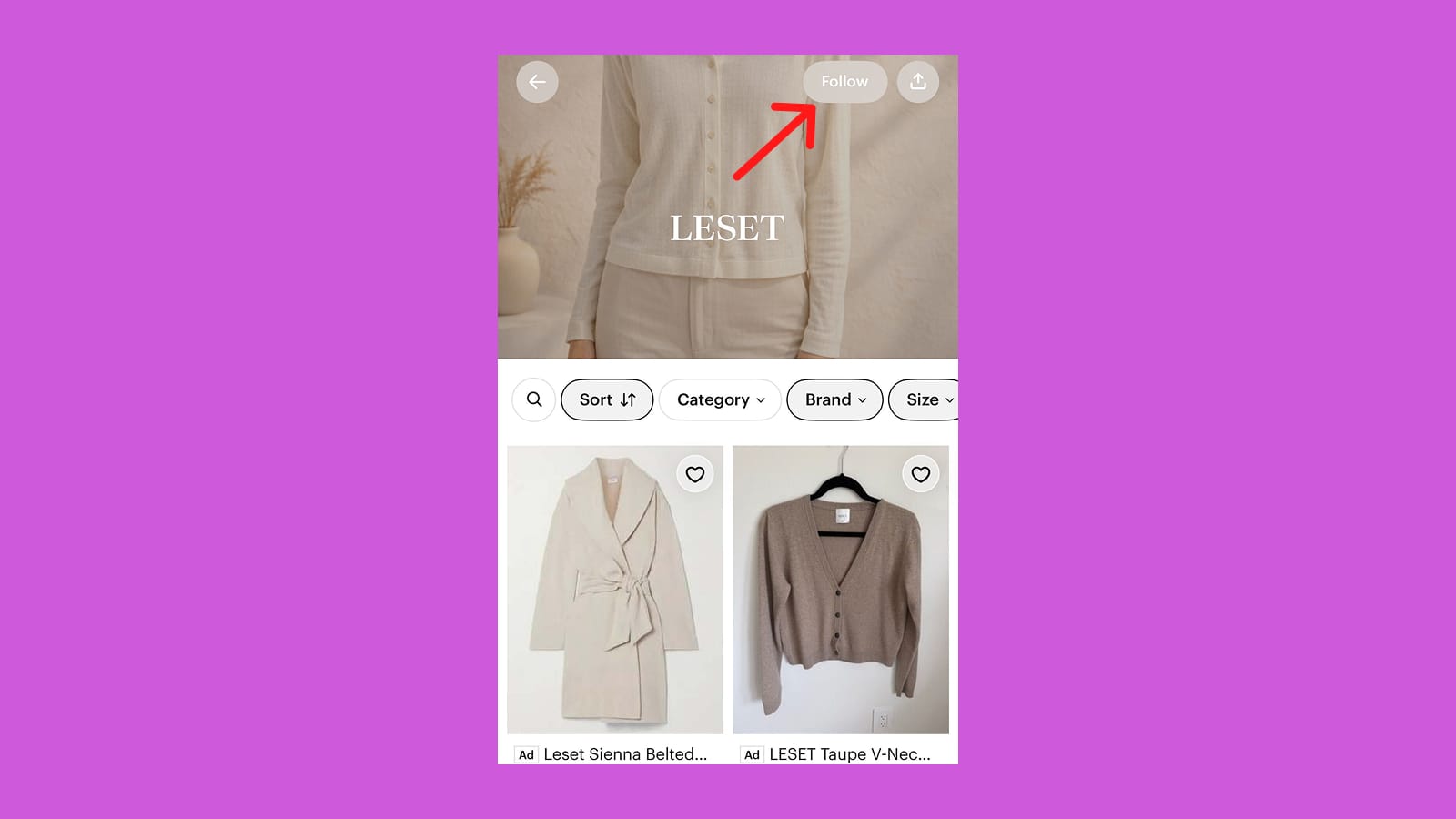
- Follow your favorite brands to see the most recent listings in your size.
- Know your measurements; returns aren’t guaranteed.
- Use Poshmark’s image-search capabilities (Poshmark Lens) on the mobile app to find exact items or close matches to specific pieces of clothing or accessories.
- Don’t be afraid to make sellers offers—but don’t lowball them.
1. Know your sizing and budget
Before you start shopping, it’s useful to know your exact measurements, as sizing can be inconsistent across brands and eras of clothing. (For example, a size medium tee from the ’90s might not fit the same as a size medium now, even from the same brand.) Many sellers will list the measurements of items in the description; you can also comment and ask for more specifics.
The Purse pro-shopping tip: P2P, or pit-to-pit, is a common measurement on the app. It is similar to a chest measurement.
You may also want to look at the waist, hips, and inseam measurements on a listing and compare them to clothes you already own.
You can set general size parameters in the app, so you only see listings of specific sizes. (For example, size small and mediums; or US 4, 6, and 8.) This is a good way to focus your searches and narrow down the website’s inventory.
Having a sense of your measurements is important because you cannot make returns just because something doesn’t fit right. Don’t be afraid to ask sellers for more info before clicking “purchase.” The comment section on a listing can often feel like a conversation between you and a store clerk.
In addition to your sizing, make sure you set a budget before you start. That way, you can look through your favorited items (more on that below) and not overspend. While items are generally less expensive than they would be purchased new, it can get pricier than you might initially expect when shipping is added to the equation.
One way to consider pricing is to check the price of the item when purchased new (or as reasonably close to the “new” price as you can find) and then decide you will spend no more than X% of that price on Poshmark, including shipping. So if a sweater is $100 retail, you may decide you don’t want to pay more than 60% of that. If shipping costs $7.99, then you can’t spend more than $52 for the sweater on Poshmark.
2. Have a gameplan
Secondhand marketplaces like Poshmark work particularly well if you already have a specific item in mind, like a particular style of skirt or even the name of a brand and its item (i.e. “J Crew rollneck sweater”).
Say you have a beloved jacket that’s seen better days; searching for the exact brand and jacket name can sometimes yield the same item with less wear or tear, or a reasonably close replacement. If there’s a piece of clothing I once loved that no longer fits, I’ll search for the same item in a different size. I’ll also search Poshmark for specific items I liked on a retailer’s website in hopes of finding a more affordable secondhand version.
It’s also useful to search by patterns (i.e. striped, woven), material (i.e. leather, linen, wicker, bamboo), trend/aesthetic (i.e. “whimsical,” “’90s minimalist”), or other descriptive keyword (i.e. “boatneck striped sweater,” “vintage”).
And don’t forget to make use of the many Poshmark filters: In the app, you can set size ranges and filter by other details, too, including color, brand, condition, and price range.
3. Discover new styles
Poshmark can also be a great place to do a little window shopping—and arguably it’s more productive than doomscrolling on social media. The app recently updated users’ homepages to include a feed of algorithmically curated items based on your past searches and purchases, as well as the brands you follow. If you have your sizes saved in the app, it will also include items based on those personal settings.
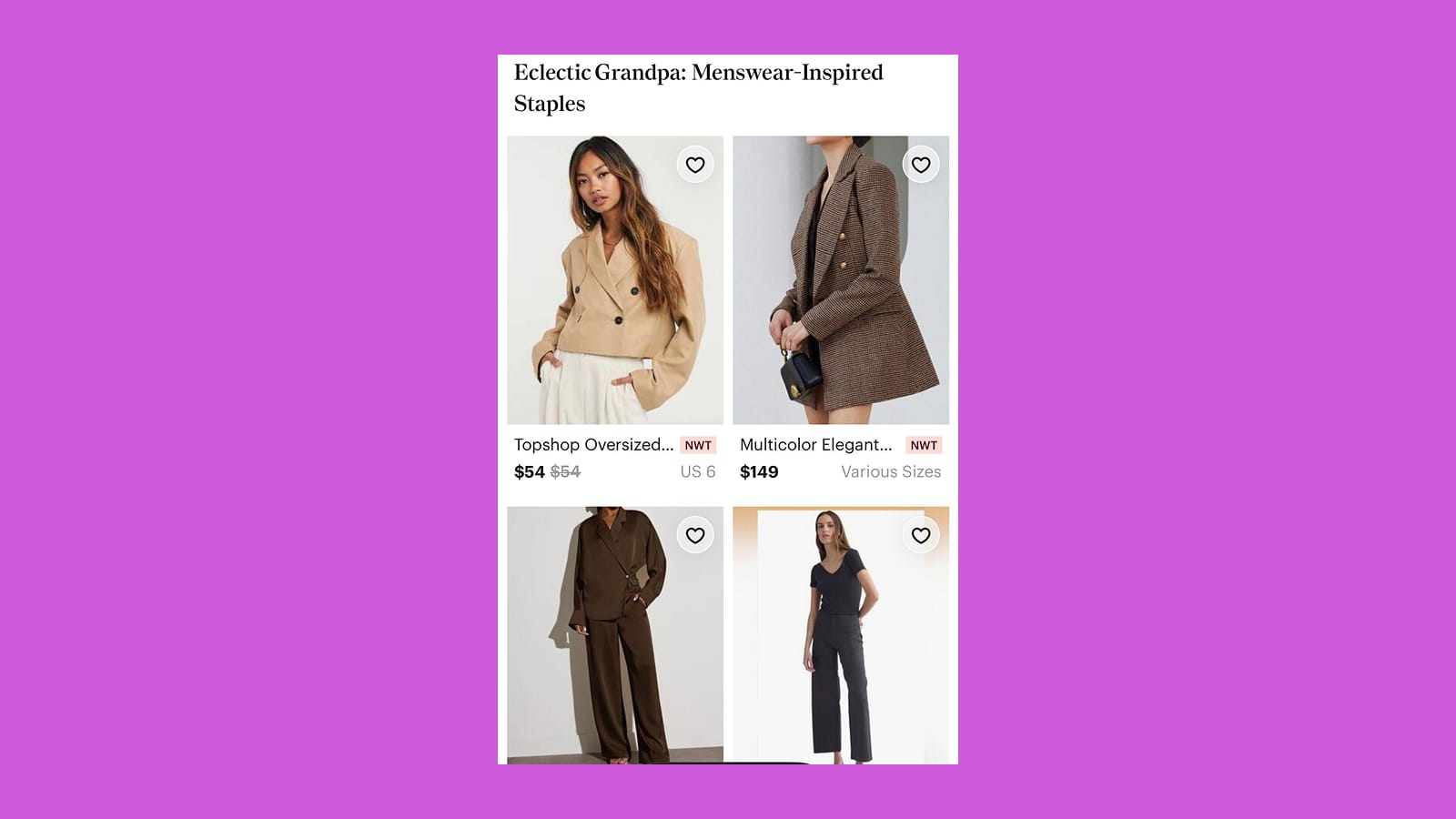
Your home feed is also where Poshmark may serve up options that match current trends, which makes it a great way to discover new styles or items that fit your taste. It updates trending collections weekly (i.e. “’90s minimalism,” “World Cup apparel,” “summer wedding guest,” etc.). It will also surface newly listed items from the brands you follow.
On the mobile app, you can use Poshmark Lens, an image search feature, to find styles that match a photo you upload. This helps with sourcing clothing or accessories if you’re not sure of the brand, and it might even help you find a more affordable option.
When you click on an item, you can scroll down past the details section and find similar items listed below. Here, the algorithm usually serves up clothing that is a similar pattern or vibe and from the same brand.
4. “Favorite” items you are interested in
Once you find items you are interested in buying, tap the “heart” in the upper right hand corner. Doing so indicates to the seller that there is interest in the item, and they may send you a discount, including cheaper shipping. Usually, the discount is around 10 to 15%, though I have been offered upwards of 30% or more. It all depends on the seller and the item.
If the seller doesn’t send a discount right away, she may have occasional sales where she sends discounts out to everyone who has favorited an item, which can come in handy in the future.
Even if you don’t receive a discount, favoriting items tells the algorithm what you like, and it may help you discover similar items from other sellers that better fit what you are looking for.
If you find a seller offering multiple items you like, you can create a “bundle.” This can save you on shipping, and the seller just might add a discount on the items. And if you find particular sellers you like, follow them, too, to get notifications for their newly listed items.
5. Make seasonal mood boards
Unfortunately, you can’t make your own collections on Poshmark yet; everything you favorite goes to the same saved location, which can be difficult to search through.
That said, you can use it in tandem with a site like Pinterest to keep track of different items for different occasions, or even to buy at a later date. I like to create a different Pinterest board for each season to get a general sense of what I’m interested in at that particular moment. I can also spot trends I’ve been interested in across cycles, and if I see a pattern, I feel better about buying trendier items.
Then I work with my budget to buy the pieces I feel my wardrobe is missing once I have that broader viewpoint.
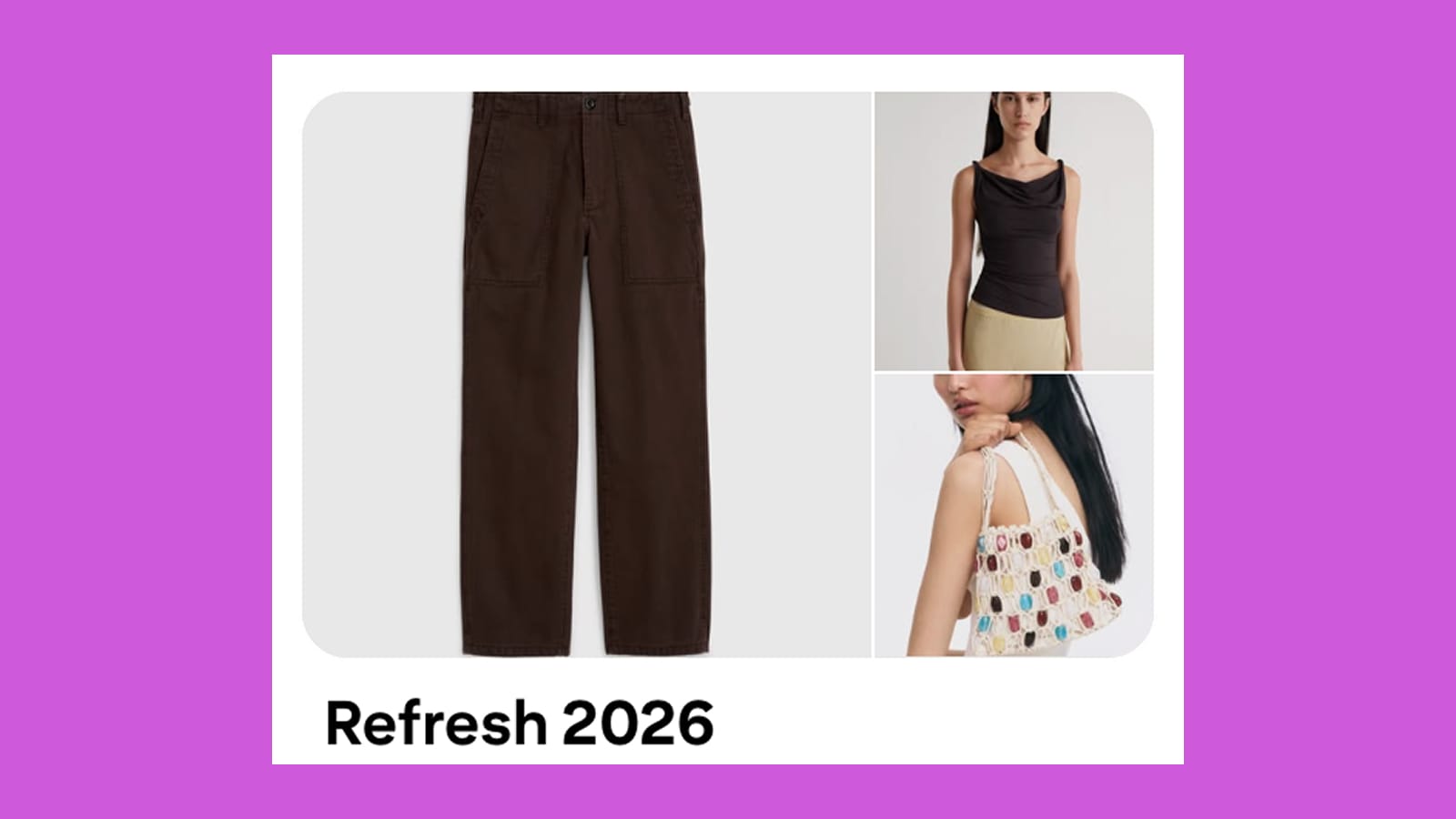
This is also a good way to create some of your own shopping rules, like waiting a certain amount of time before buying something. Alternatively, you may realize after a few days or weeks that what you pinned isn’t reflective of your style or current wardrobe needs, and you’ve saved yourself some money.
Having these mood boards and the ability to go back to favorited items is where I find secondhand shopping online to be a better option than thrifting in-person. At the thrift store, it feels like if you don’t buy something in the moment, you’ll miss out. But online, you can usually sleep on your decision and take your time.
Make sure to take some time every few months to un-favorite things if your tastes change or you realize you don’t need or want a particular piece anymore. This will help keep your feed curated and ensure the app is surfacing what you’re most interested in.
6. Make appropriate offers
Many sellers set prices with the expectation that buyers may want to negotiate. Don’t be afraid to make an offer, as long as you’re not low-balling the sellers. They can choose whether to accept it, offer a counter, or decline altogether. If you have favorited an item, you will get a notification when someone else makes an offer, so you have time to counter-offer if you’d like.
When making an offer, think of it like this: Poshmark takes a share of the sale price, and it also costs the seller money to ship the goods. What price would make a sale still worth the seller’s time? Generally, offering between 10 to 30% below the listing price can be competitive, although there are no strict rules here.
If a listing price seems unreasonably high for a particular piece, there’s no reason to engage with it or the seller. Just keep looking for a better price elsewhere.
7. Reposh things that don’t work
One of my favorite parts of Poshmark is that if I buy something and it doesn’t work out for whatever reason, it is fairly simple to “reposh” (or relist) it on the site. Then, I can try to sell it to recoup some of my money. Reposhing is also a nice way to resell items I enjoyed for a while but don’t necessarily need to keep for more than a season or two.
There is still some work involved in packaging it up and mailing it to its new owner. But I find this takes out some of the worry of not being able to return many items.
When you sell, you can choose to get paid out in cash or get Poshmark credits. Usually if you opt for credits, you will get a higher dollar amount than the cash payout.
8. Stay smart while you shop
As with any marketplace, you will need to exercise some discretion with what you’re buying. Make sure the seller has photos of the actual piece of clothing or the accessory they are selling, not just the product photos from the retailer’s website. Many sellers will list in the description if there are flaws like stains or holes, but some may not, so check the images carefully. You can also comment and ask for more images of any part of the item that isn’t shown clearly in the listing.
When checking for flaws, look particularly closely at the spots most likely to show wear and tear, like the soles of shoes or the neckline and underarms of a top.
While many people are shopping to score deals on a budget, you can also buy luxury items on the app. In that case, select luxury items worth $500 and more will go through Poshmark’s authentication process.
How do you like to use Poshmark? Do you have any tips to share with The Purse audience? I’d love to hear the best item you’ve ever purchased on the site!


